Claude Code and Slack
Delegate tasks to Claude Code directly from Slack. Now in beta as a research preview.
Claude and Slack, better together
Draft content, do quick research, or prep for meetings—right where you’re already working.
Ask your Slack workspace admin to approve the Claude app from the Slack App Marketplace, then use your existing Claude account to get started.
Start a private conversation with @Claude to get one-on-one help on research, writing, or analysis.
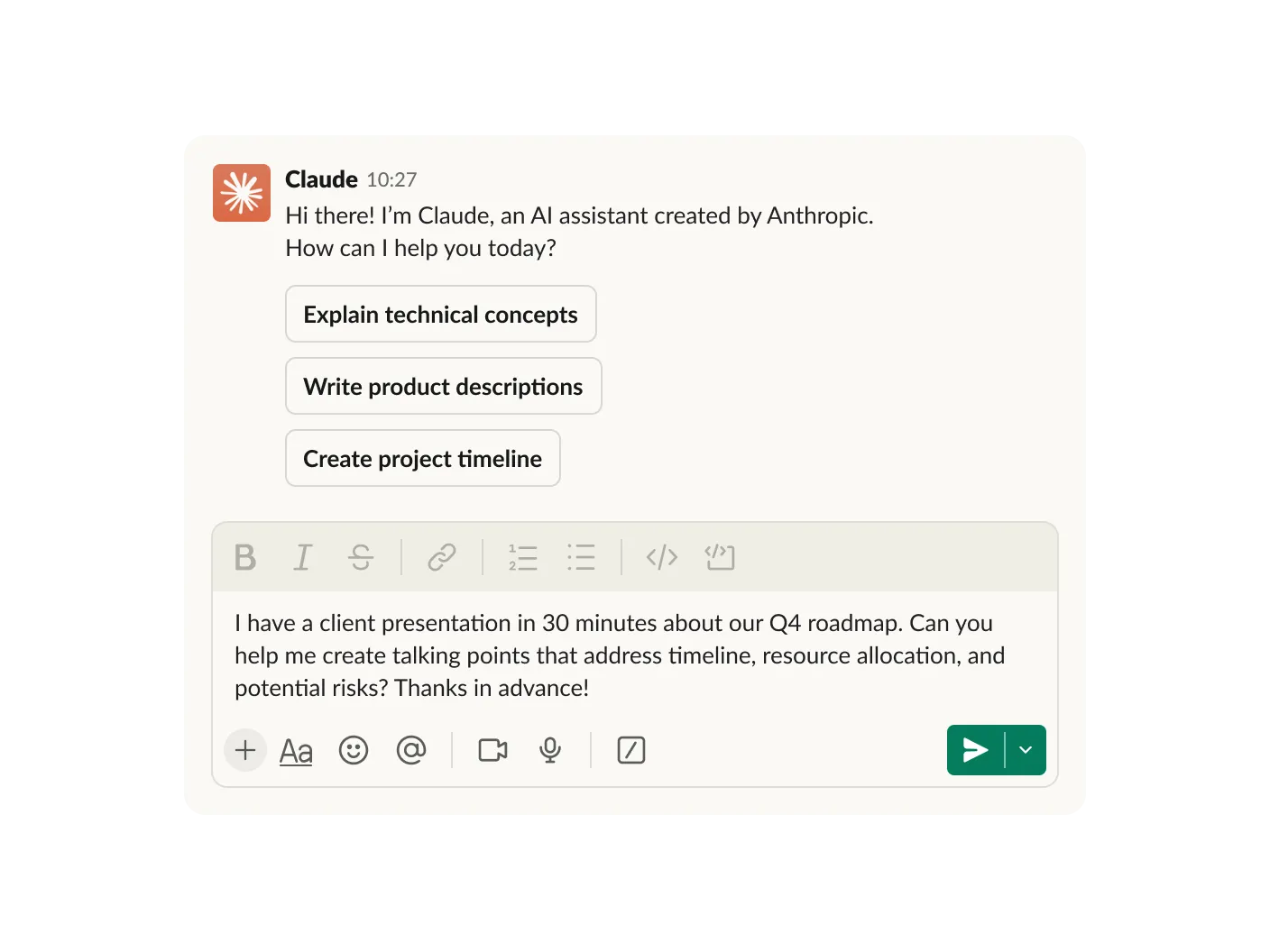
Claude will draft a response based on the conversation, which you can review and approve before sharing with the group.
Chat with Claude in the AI assistant header from any channel or conversation.

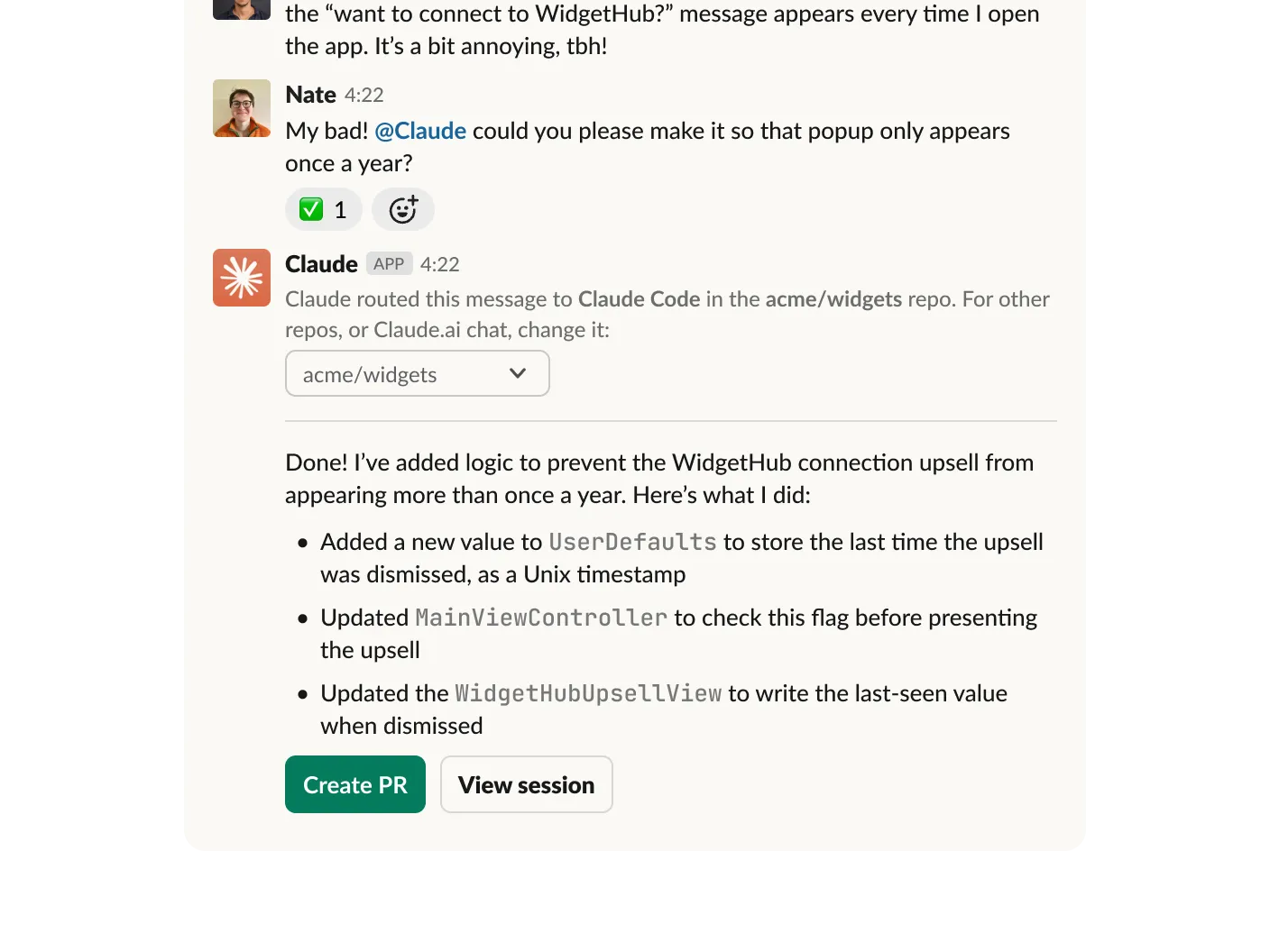
Claude Code users can ask @Claude to handle coding tasks and it will run them remotely, providing updates when completed
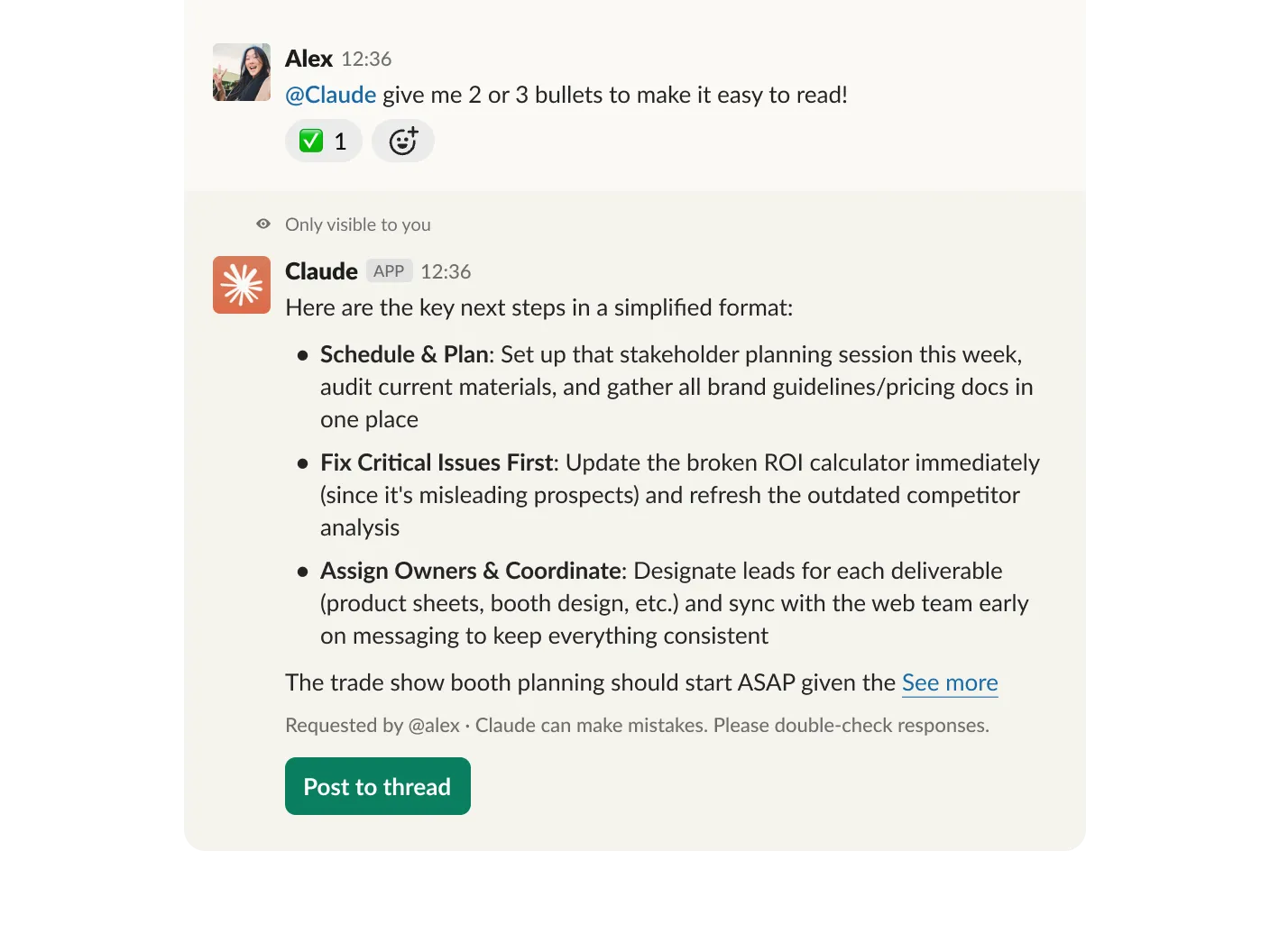
Ask Claude to explain complex concepts or break down lengthy threads.
Draft emails, documentation, and proposals in your Claude DM, then share directly in relevant channels.
Analyze documents and prepare talking points before joining calls.
Get instant answers about industry trends, technical concepts, or company information.
Debug errors, get answers about code, and kick off async tasks with Claude Code.
Delegate tasks to Claude Code directly from Slack. Now in beta as a research preview.
For complex tasks that need full context, use the Slack connector in Claude. Claude can search your channels, messages, and files to provide insights.
FAQ
When you prompt Claude in Slack, Anthropic gets access to your prompt and contextually relevant Slack conversation data that you can see. Anthropic retains your Slack conversation data for as long as reasonably necessary for the purposes and criteria outlined in our Privacy Policy or other agreement you’ve entered with Anthropic. Users and administrators can disconnect the Claude app at any time.
Anthropic retains your Slack conversation data and personal data for as long as reasonably necessary for the purposes outlined in our Privacy Policy or other agreement you’ve entered with Anthropic. Anthropic doesn’t use conversations you have with Claude in Slack to train models.
Anthropic doesn’t charge anything additional to access the Claude App for Slack, but ordinary pricing and usage limits apply. Note: The Claude app for Slack is currently only available to install for paid Slack plans.
Research, file creation and editing, and extended thinking will not be available for Claude in Slack to start. Remember Claude can make mistakes, so please double-check responses.
Thank you for helping us improve Claude. Please send feedback and bugs through our support center.
Claude in Slack is available for paid Slack plans. A Slack admin must first approve the Claude app for their organization from the Slack App Marketplace in order for their employees to access the app from their workspace. From there, individuals can authenticate with their Claude login information.
You must have a Team or Enterprise plan to use the Slack connector and bring Slack context to Claude. Before you can set up the Slack connector, you’ll need to install the Claude in Slack app.
When Claude in the Slack app detects that you’re asking about a coding-related task, it will automatically relay the request to Claude Code to start a remote session on claude.com/code. This feature is available to users who also have access to Claude Code on the web.

When you work with Claude in Slack, you get all the capabilities you already use—web search, document analysis, and your existing connections.